 Live
Live
Odoo Health Board
Traffic-light ops in one page
One page tells you whether operations are healthy. Fourteen checkpoints, green to red, and every number clicks through to the records behind it.
Freeordering creates your portal account

Maksitech
Six kits, each one a working system we have already built for a client. Read the spec, take the bundle, install it yourself over XML-RPC. No custom module, no server access, nothing to maintain on our side.
Everything installs as records, so it works on Odoo Online and Enterprise SaaS.
Every deploy script prints its plan and writes nothing until you say so.
Activation binds the bundle to the instance you install it on.
Kits that have never run in production say so on the card, not in the footnotes.
Each card shows what the kit does, what it needs, and where it has actually run.
LiveTraffic-light ops in one page
One page tells you whether operations are healthy. Fourteen checkpoints, green to red, and every number clicks through to the records behind it.
 Live
Live
Bluetooth labels, in-app
Design a label once, bind it to your Odoo records, and print it on a Bluetooth thermal printer without leaving the page.
 Live
Live
Your Trello board, in Odoo
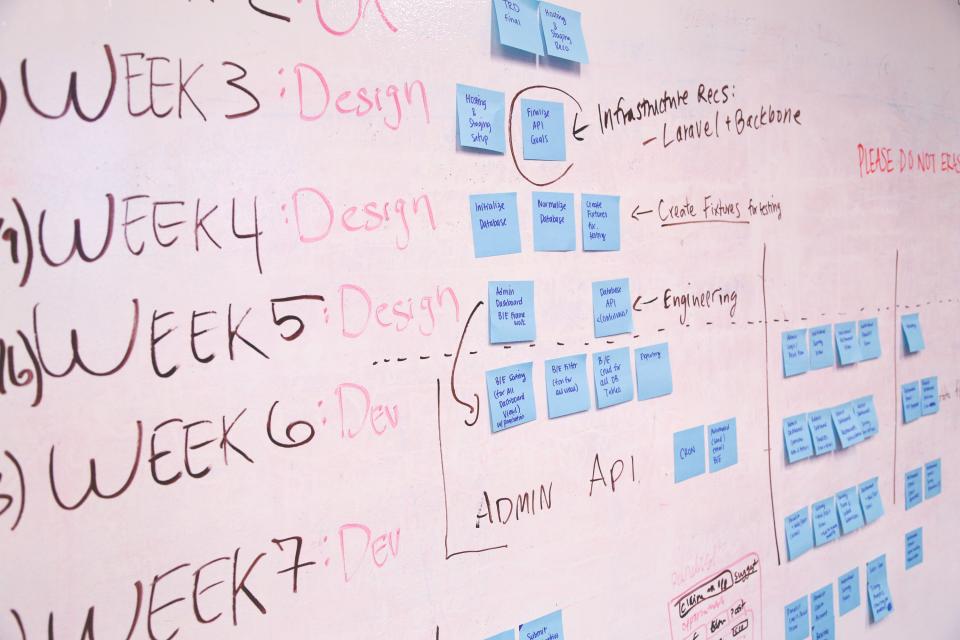
Rebuild a Trello board inside Odoo Projects: flow stages, client tags, a real New Task dialog, and automations that replace Butler. No custom module.
 Beta
Beta
Scope that clients sign
Turn scope, acceptance and status reporting into records instead of documents, with a client-facing board and a release-notes page built in.
 Tool
Tool
One config, eight live tabs
Write your activities once and get a planning and reporting workbook back: Gantt, decision gates, risk register and defect board, all computed rather than drawn.
 Tool
Tool
A balance sheet that ties
Drive the model with assumptions and post them through a real ledger. The statements tie because they were built from double entry, not glued together.
Three steps from browsing to a working install.
Every kit is listed at no cost. Ordering creates your portal account and a record of who holds what, so support has something to look at later.
The bundle is encrypted. Downloading it is instant; the activation token that opens it is issued once we approve your request.
Your team or your agent runs kitctl with the token. It binds to that one instance and opens the bundle, then you run the deploy script yourself.
XML-RPC access to the target instance with an administrator account, Python 3, and the Odoo version the kit declares on its page.
Kits that produce workbooks rather than Odoo records need no Odoo at all. The kit page says which is which.
One token is exchanged once and locks to one instance. Reinstalling on that same instance is free and unlimited; a second instance needs a second token. We record the token, the instance fingerprint and the time of each activation.
We never see inside your instance, and the activation service never receives your Odoo password.